Carrying a Satellite Messenger in Montana
A broken belt, rolled UTV, or sudden injury can turn a Montana trail ride into a serious emergency—especially when your phone shows no bars. A satellite messenger gives you a way to send messages or request help beyond cellular coverage, but only if you choose the right device, set it up before leaving, and know what it can and cannot do.
Why carry a satellite messenger on a Montana ride
Cell service can disappear quickly
In Montana, a route may begin near a town or paved highway and then wind into forest, canyon, or high country where a phone has no dependable signal. Coverage can change as you move, and a phone that worked at the trailhead may be useless around a bend or below a ridgeline. That gap matters when someone is hurt, a machine breaks down, or your group becomes separated.
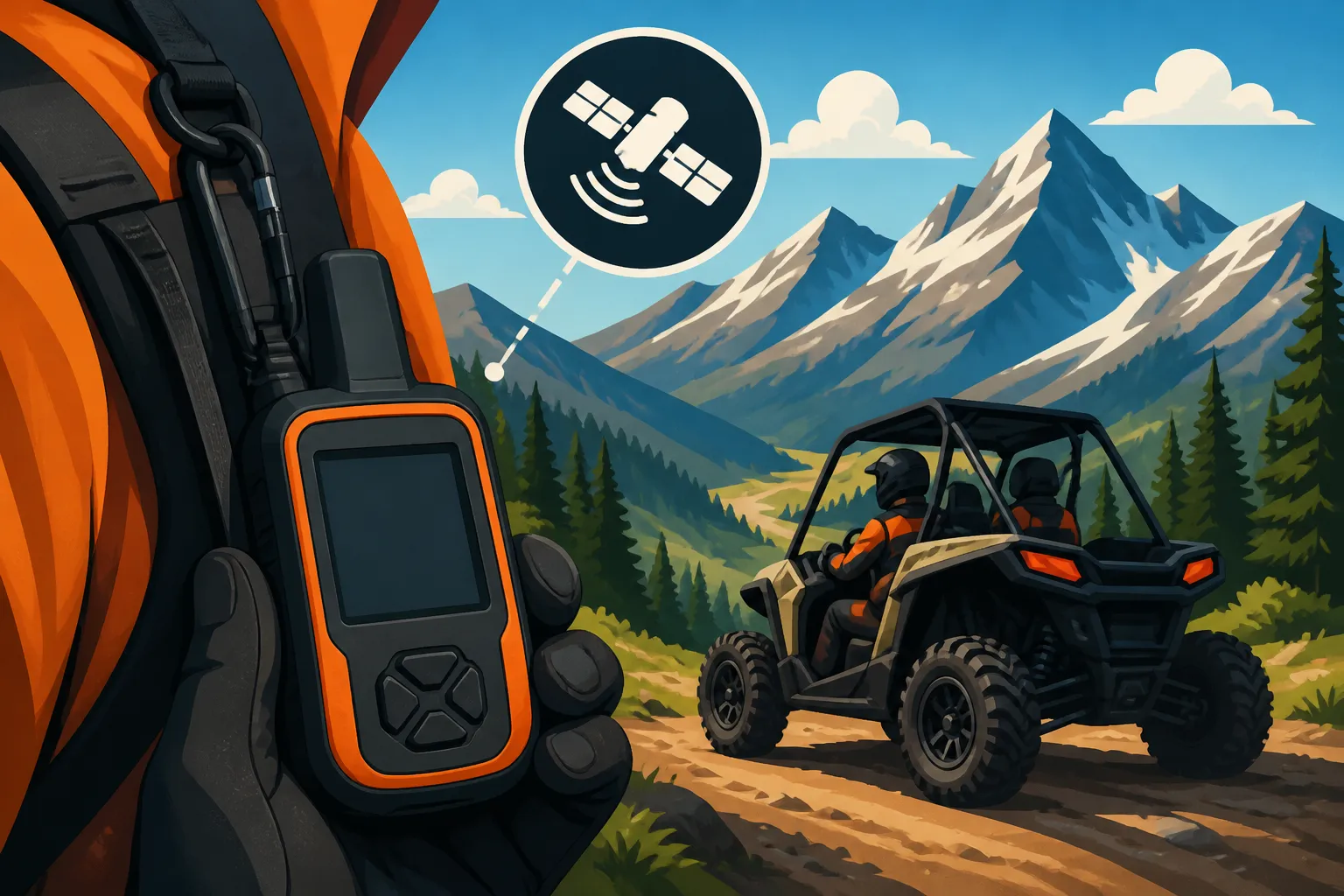
A satellite messenger communicates through satellite networks rather than relying on nearby cell towers. Depending on the device and conditions, it may let you send preset or custom messages, share your location, or contact an emergency response service. It is not a promise that help will arrive immediately. Terrain, weather, device settings, and the nature of the emergency all affect what happens next.
It also helps to think of the messenger as one part of a safety plan rather than a substitute for preparation. Carry a first-aid kit, water, warm layers, basic repair supplies, and the equipment appropriate to your route. If you are traveling far from help, [What to Carry on a Remote Montana Ride] and [First Aid When Help Is Hours Out] can help you think through what else belongs in your pack.
A messenger is not the same as a satellite phone
People often use “satellite device” to describe several different tools, but they do different jobs. A satellite messenger is generally designed for short messages, location sharing, and emergency alerts. A satellite phone is intended for voice calls, while a personal locator beacon is primarily an emergency distress device rather than a routine messaging tool.
| Device type | Typical use | Useful limitation to understand |
|---|---|---|
| Satellite messenger | Check-ins, brief messages, location sharing, and SOS | Features and messaging options depend on the device and service plan |
| Satellite phone | Voice calls from places without cell coverage | Requires suitable satellite access and may be more equipment than a casual rider needs |
| Personal locator beacon | Sending a distress signal in an emergency | Usually does not provide ordinary two-way messaging or trip check-ins |
| Cell phone with offline maps | Navigation and saved information | Offline maps do not create a cellular signal or automatically provide satellite messaging |
The right choice depends on the ride. Someone cruising near a busy staging area with a group may have different needs from a solo rider covering remote two-track for the day. If you regularly ride alone, [Riding Alone in the Montana Backcountry] is worth considering alongside your communications plan.
An offline navigation app can also be useful, but it serves a different purpose. For example, onX Offroad can help riders plan and follow routes with saved map information; it should not be treated as a replacement for a satellite messenger’s SOS or messaging functions. Downloading maps before you leave is still a smart habit, particularly when cell service is unreliable.
A device cannot eliminate the risks of remote riding
An SOS request may help communicate that you need emergency assistance, but it cannot make a difficult route safe or guarantee a particular response time. A machine that is stranded on a steep, narrow trail may be hard for rescuers or other riders to reach. A serious injury, poor weather, darkness, and distance from a road can all complicate the situation.
That is one reason route choice matters as much as equipment. Check current access information and closures before you drive to the trailhead, and be realistic about your group’s experience, machine width, fuel range, and daylight. [Checking Montana Trail Status Before You Drive] and [Montana Trail Difficulty Ratings] are useful starting points when you are deciding whether a route suits your group.
How to choose a satellite messenger for an ATV or UTV trip
Match the features to the way you ride
Start by asking what you need to communicate. If you mainly want someone at home to know you are safe, preset check-ins and location sharing may be enough. If you want to exchange messages with a riding partner or contact someone who is not on the trail, two-way messaging may be important. If emergency coverage is your main concern, look closely at how the SOS function works and what support process is included.
Do not assume every device works the same way. Some require a paired phone for typing messages or viewing maps, while others allow more direct use from the device itself. A phone can be convenient, but it is another battery-dependent item to manage. Read the device’s instructions and test the functions you expect to rely on before your trip.
Consider the physical controls, too. A messenger that is awkward to reach while wearing gloves may not be practical on a cold or dusty ride. Think about where you will carry it, whether its screen is easy to read in sunlight, and whether you can operate it without taking your attention away from the trail.
Check coverage and service requirements
Satellite communication still has limits. A device may need a clear view of the sky to send or receive information, and steep canyon walls, dense forest, or a machine parked under cover can interfere. A message may take time to go through, so follow the manufacturer’s guidance about positioning the device and waiting for confirmation rather than assuming an alert has been delivered.
Review the service requirements before buying or borrowing equipment. Some functions may depend on an active subscription or service plan, and the available options can vary. Check the provider’s own information for current plan details, message limits, emergency procedures, and any activation steps. If you are renting a machine or joining a guided ride, ask whether your group is expected to bring its own communications device.
A map app and a messenger can work well as complementary tools. You might use onX Offroad to review a route and save maps for offline navigation, then carry a separate satellite messenger for check-ins or emergency communication. Before departure, make sure each tool is charged and that your offline map actually covers the area you plan to ride.
Make sure it is practical for your machine and group
A UTV may give you a convenient place to secure a device, but do not leave your only messenger loose in a glove box or mounted where it could be damaged in a rollover. An ATV rider usually needs a secure, accessible place to carry it. In either case, the device should remain with the person who may need to use it, not attached only to a machine that could become separated from the group.
For a family or multi-machine ride, decide who carries the primary messenger and whether another person should carry a backup. A single device can be enough for some groups, but relying on one person’s equipment creates a vulnerability if that person is injured, separated, or unable to reach it. Agree on who will send check-ins and who will contact emergency services if the group splits.
Keep the device away from avoidable damage. Dust, vibration, moisture, extreme cold, and impacts are all realistic concerns on a long ride. Use the protective case or mounting method recommended for the device, and check that it remains secure after rough sections of trail.
Set up and use your messenger before trouble starts
Prepare the device at home
Do not wait until you are parked at a remote trailhead to learn how the device works. Charge it fully, install any required updates, activate the service, and confirm that your account and emergency contacts are correct. If the device pairs with a phone, practice pairing it at home and learn what functions still work if the phone battery dies.
Set up the people who should receive routine messages. Make sure they understand what your check-in means and what to do if they do not hear from you. A vague plan such as “I’ll be back tonight” leaves room for confusion. A clearer plan gives someone a route or general riding area, your expected return window, the names of the people in your party, and a point at which they should begin trying to contact you or seek help.
Practice sending a non-emergency message and checking that it has been delivered. Learn the difference between a routine message and an SOS alert. Never press the emergency button to test it unless the device instructions explicitly provide a safe test method.
Carry it where you can reach it
A satellite messenger is most useful when it is accessible, charged, and switched on as directed. Put it somewhere you can reach if you are separated from your ATV or UTV. If it is stowed under cargo, buried in a pack, or left inside a locked vehicle at the trailhead, it may not help when you need it.
Follow the manufacturer’s instructions about positioning. In general, a device needs a reasonably clear view of the sky to communicate, so do not assume it will transmit reliably from inside a closed storage compartment or beneath a roof. If a message does not send, move to a safer spot with a clearer view when possible and follow the device’s prompts.
Location sharing can also give a trusted contact a better idea of where you are, but it should not replace a trip plan. Let someone know the route you intend to take, especially if you are riding a long loop or entering an area with few access roads. A route file in onX Offroad can help you review your planned track, but the person at home still needs to know what your plan is and when you expect to check in.
Use SOS deliberately and communicate clearly
An SOS function is for an emergency that requires outside assistance. If you can safely do so, follow the device’s prompts and provide clear information about the problem, your location, the number of people involved, and any immediate hazards. Keep the device powered and available so you can receive follow-up instructions. Avoid sending a confusing stream of messages that makes it harder to understand what is happening.
If an emergency is serious and you have a way to contact emergency services, do so. A satellite messenger’s emergency process may involve a response center or another service, and you should understand that process before riding. Once you have initiated an SOS, follow the device provider’s instructions and do not cancel it simply because you think help may be delayed. If the situation changes, communicate the update as clearly as you can.
For a non-emergency breakdown, use ordinary messaging or location sharing when available. Tell your contact what failed, whether anyone is hurt, whether you have shelter and supplies, and whether you are staying with the machine or moving to a safer location. If you are facing a mechanical problem in a remote area, [Recovery Gear for a Montana Shelf Road] offers a useful reminder that communication equipment is only one part of being prepared.
Build a complete backcountry communication plan
Share a realistic trip plan
Before leaving, give a trusted person enough information to recognize when something is wrong. Include the trailhead or general riding area, planned route, vehicles and trailers involved, names of riders, and your expected return window. If your route changes, send an update when you have a safe opportunity.
For instance, a group planning a loop near a forest road could tell its contact that it expects to return to the staging area before dark and will send a check-in at a planned point. If the group later decides to take a side route, it should update the plan rather than leaving the contact to assume the original route is still underway. That small habit can prevent unnecessary alarm—or, just as importantly, help someone notice a real delay.
Your contact should know whom to call if you miss a check-in. Choose someone who will stay reachable and understands the area well enough to explain your plan. If you are traveling with children or inexperienced riders, be especially clear about who is responsible for communication and who makes the decision to turn back.
Combine communication with basic emergency supplies
A satellite messenger does not provide warmth, water, medical care, or a way to repair a machine. Pack for the possibility that a short ride takes much longer than planned. Weather can shift, a route can be blocked, or a mechanical issue can leave a group waiting for assistance.
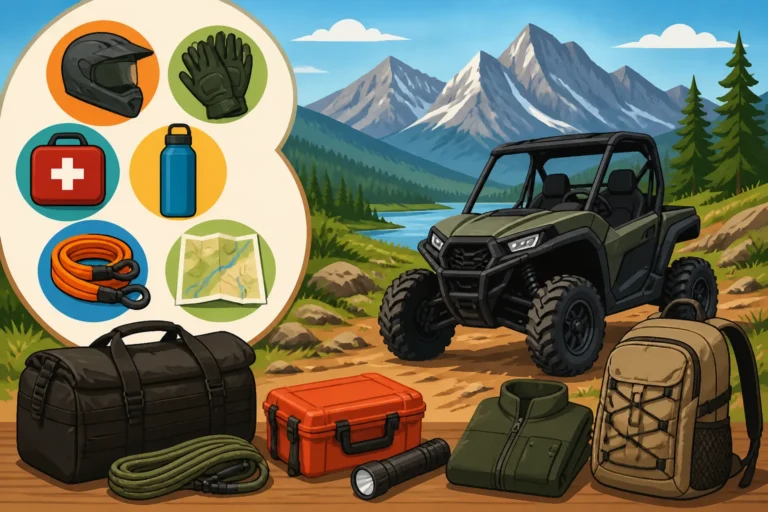
A practical kit may include water, food, insulating layers, rain protection, a first-aid kit, a headlamp, basic tools, tire-repair supplies, and any recovery equipment suited to your machine and route. The details depend on the season, distance, number of riders, and expected conditions. Keep the gear in a place where it can be reached even if cargo shifts or a machine tips.
Riders who may encounter bears should also plan for wildlife safety rather than assuming communication equipment will solve a close encounter. Review [Riding Safely in Grizzly Country] before setting out, and keep emergency supplies accessible rather than buried beneath riding gear.
Recheck the plan when conditions change
A messenger is not a reason to push into a route that feels beyond your group’s ability. If visibility drops, weather worsens, a machine develops a problem, or a trail becomes unsafe, changing the plan or turning around is often the better decision. A device may help you communicate that change, but it cannot remove the risks created by poor judgment or worsening conditions.
Before each ride, check the device’s charge, service status, contact list, and message settings. Revisit your route plan and make sure the person at home knows what has changed. If you have not used the equipment in a while, do a routine function check according to the manufacturer’s instructions.
Treat the messenger as one layer in a broader plan: choose a suitable route, tell someone where you are going, carry essential supplies, and know how to ask for help. That approach is much more dependable than buying a device and assuming it will take care of every problem on the trail.
Disclaimer
This article is for general informational purposes only and does not constitute professional advice. Laws, prices and regulations vary by location and change over time. Consult a qualified professional for guidance on your specific situation.